
Short Courses / Technical
ETC EOS Console Training: Expert
1 day / 9.30am-5.30pm
ETC Europe, The Lir Academy and PSI Production are proud to present a series of one-day ETC EOS family training sessions across Ireland at The Lir Academy. Courses are free - refundable deposit required.
Overview
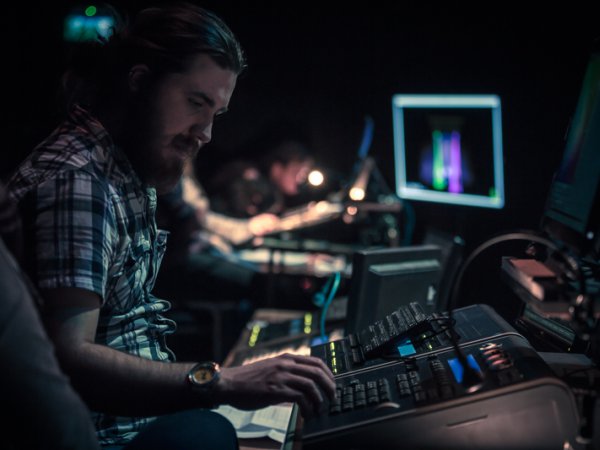
This course is designed for seasoned programmers who want to level up their techniques. The session aims to hone your skills and allow you examine some of the advanced features of the Eos platform.
ETC's Eos family of consoles provides power that is elegant, approachable, and scalable. These hands-on training events will give you the opportunity to explore first-hand the features and functions of these powerful control systems.
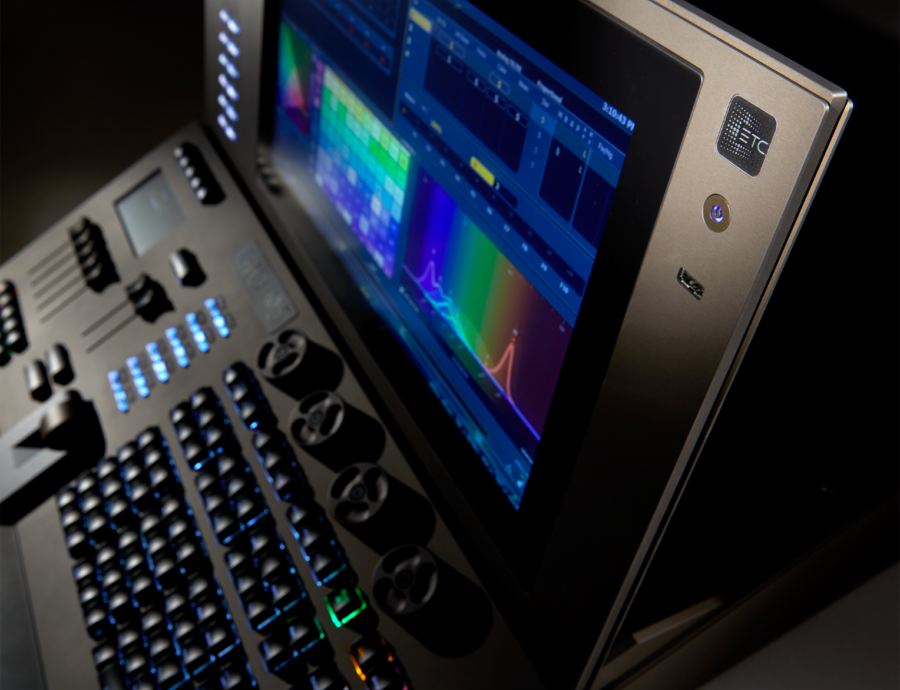
The sessions will include a hardware overview of Nomad, Element, Element 2, Ion, Ion Xe, Gio @5, Gio, Eos Ti and Apex consoles. During the courses you will be introduced to the basics and nuances of this high-level control system and you will leave with more confidence in using your ETC console.
Deposit
We are keen to ensure that as many interested people can participate in these courses as possible.
In order to secure your place and attendance, we are requesting a €30 deposit or €15 for students/unemployed - use the discount code EOSDISCOUNT. This will be refunded within five working days of completion of the course.
Places may be cancelled with no charge up to 1 week before the event start time. Please email info@thelir.ie if you need to cancel your place. This gives us enough time to fill it with another person. After that, the full deposit will be charged.
If the course is booked out, please submit your information to the waiting list request via the enquire button.
Eos Expert
This course is designed for seasoned programmers who want to level up their techniques. The session aims to hone your skills and allow you examine some of the advanced features of the Eos platform.
Key concepts covered include
• Virtual media server & pixel map control
• Create more complex Macros
• Create & work with custom encoders
• Feel comfortable with the Cue List index and its properties
• Take advantage of the three states of Capture
• Understand Priority settings
• Be more effective using Fader Configuration
• Use the virtual faders and playback filters
• Take advantage of the Fixture Profile Editor
• Timecode.
• Time to examine specific participants individual issues and questions
Accompanying training materials can be downloaded https://www.etcconnect.com/wor...
In an effort to be a green as possible we do not print manuals. We ask that participants have downloaded the material in advance of the session.